SpellBoard
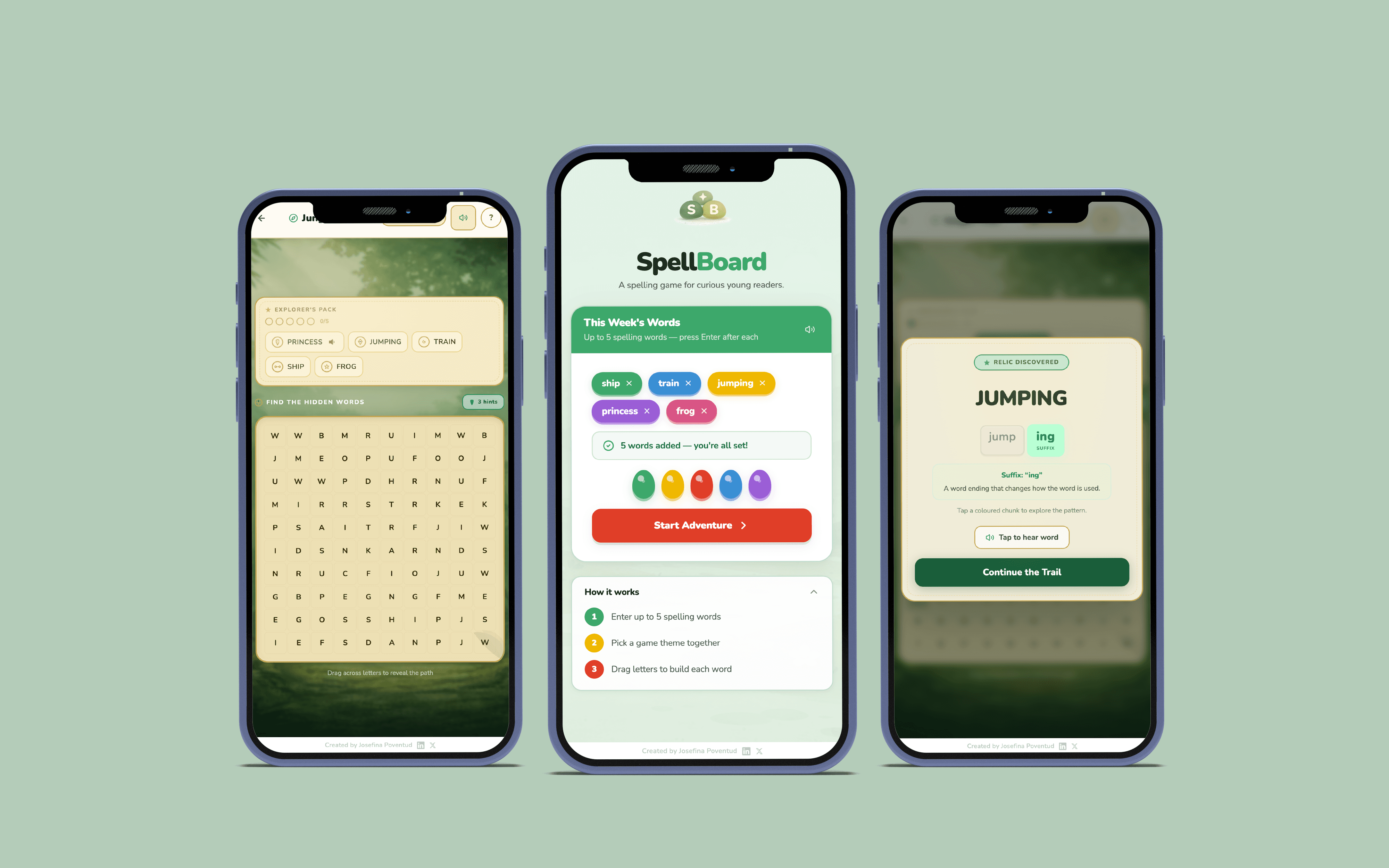
A UI/UX concept for a mobile learning tool. Designed around fast visual scanning, accessible hierarchy, and clear information flow.
Role
UI/UX Designer
Industry
Education
Duration
2 Weeks
Why I built this
SpellBoard is a small interaction experiment I created while helping my son practice spelling at home. English is not my first language, and raising children in English has made me very aware of how confusing spelling and phonics can feel while a child's confidence is still developing.
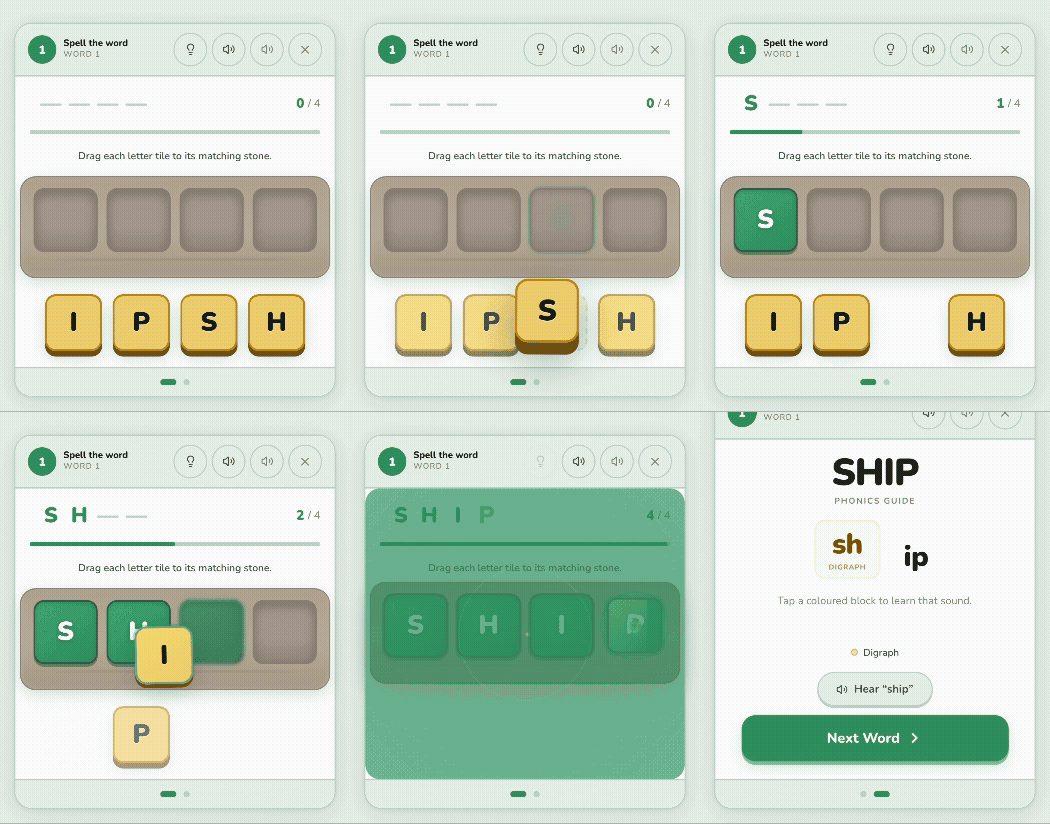
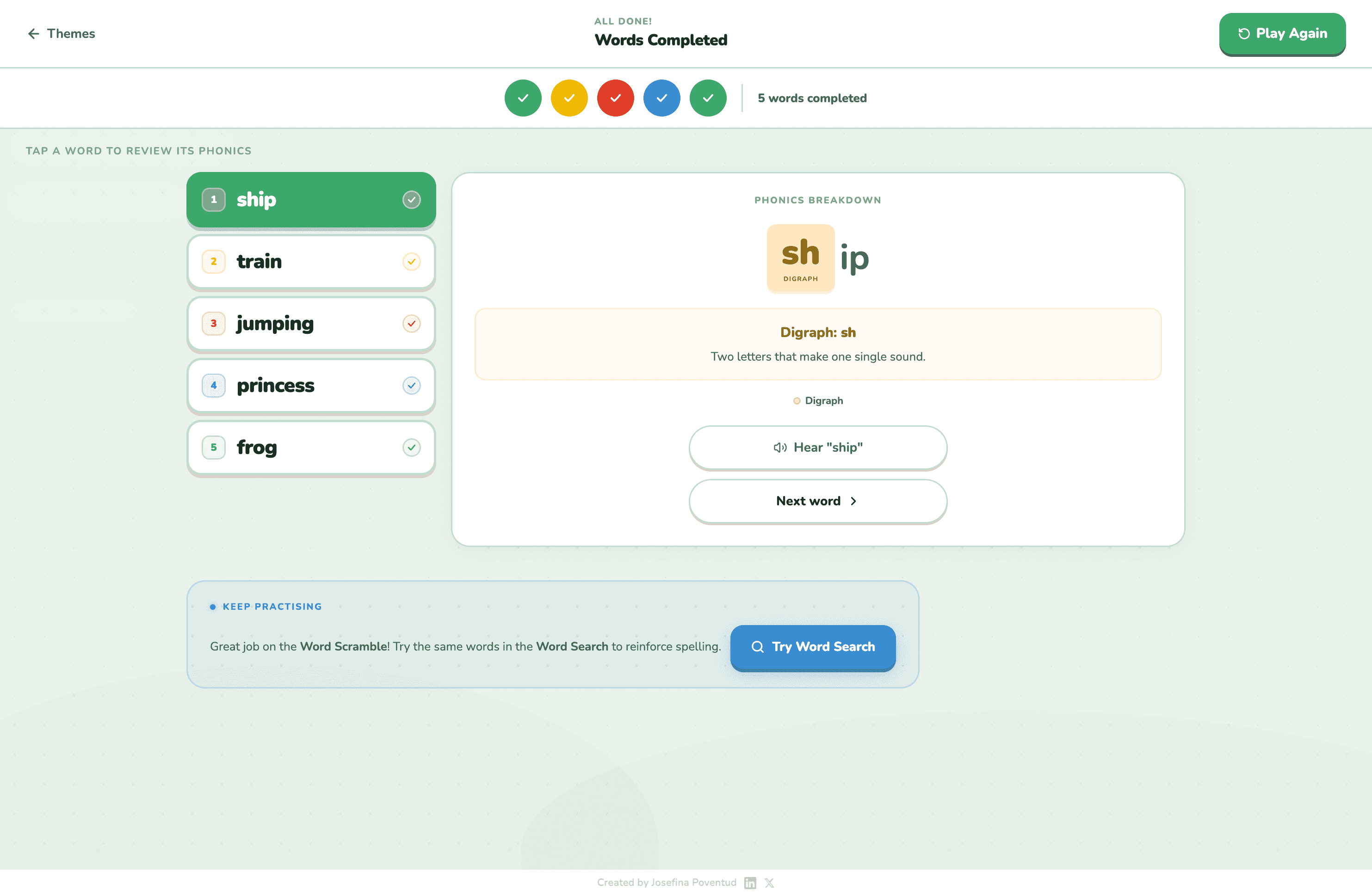
I wanted to explore what spelling practice could feel like if it were interactive, playful, and inviting instead of repetitive. Parents enter spelling words, children choose a themed world, and letters become part of a small adventure where they drag and place tiles to build each word.
The project was prototyped using Figma Make, which allowed me to quickly generate interface structures, explore visual directions, and iterate on interactions. From there, I refined layouts, hierarchy, and components manually using my design judgment, treating AI as an accelerator for exploration, not a replacement for craft.
Problems I ran into and how I solved them
This project went through many iterations. Several aspects of the experience needed refinement before the interface felt calm, intuitive, and cohesive.
CHALLENGE 01
Refining the Interface
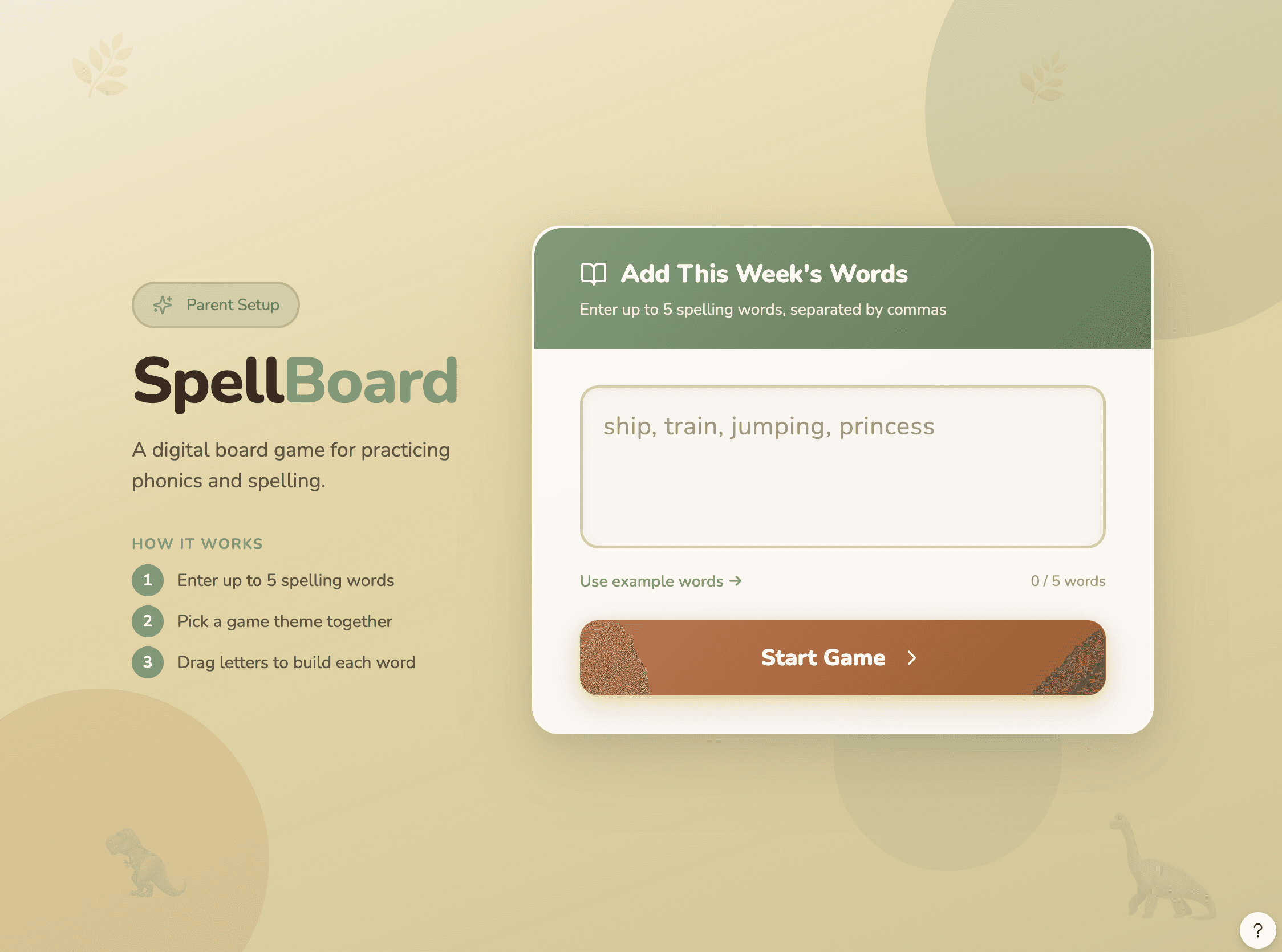
The first version generated by Figma Make gave me a solid structural starting point, but the interface still needed refinement.
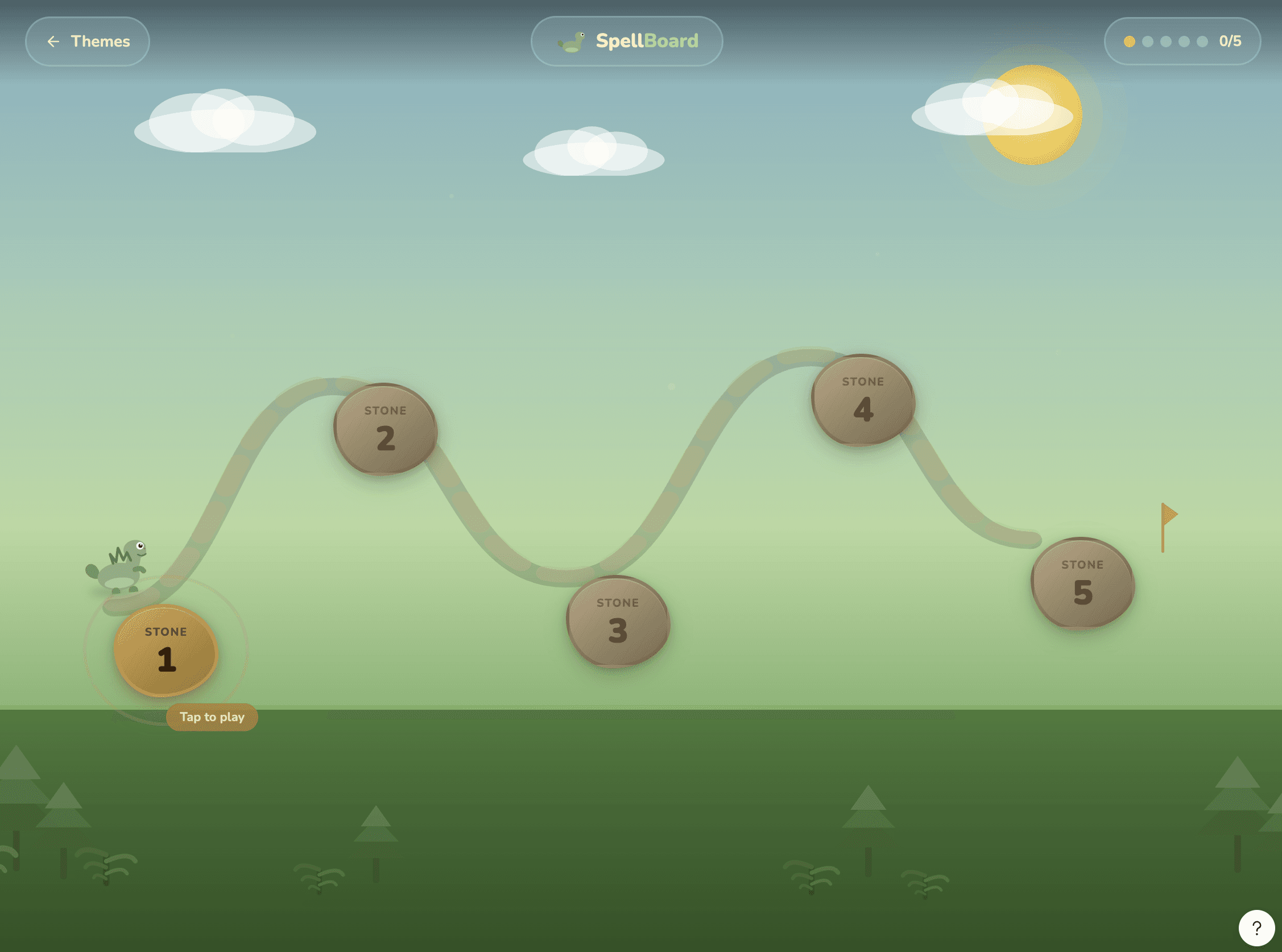
The background environment and the gameplay elements blended together, which made the interaction feel less clear. The path system also felt visually disconnected from the rest of the interface.
To improve this, I refined the visual hierarchy by:
strengthening the container structure for the word input
simplifying background layers
increasing contrast between the environment and the gameplay elements
adjusting spacing and scale to guide attention toward the interaction
These changes helped separate the game world from the interface, making the spelling activity easier to follow while keeping the playful atmosphere.
CHALLENGE 02
Improving the Voice
Pronunciation feedback is critical for spelling practice. Basic text-to-speech sounded robotic and undermined the warmth of the experience. I researched alternatives and integrated ElevenLabs voice generation, which produces significantly more natural speech, improving both clarity and the sense that care had been put into the game.
CHALLENGE 03
Interactions for Kids
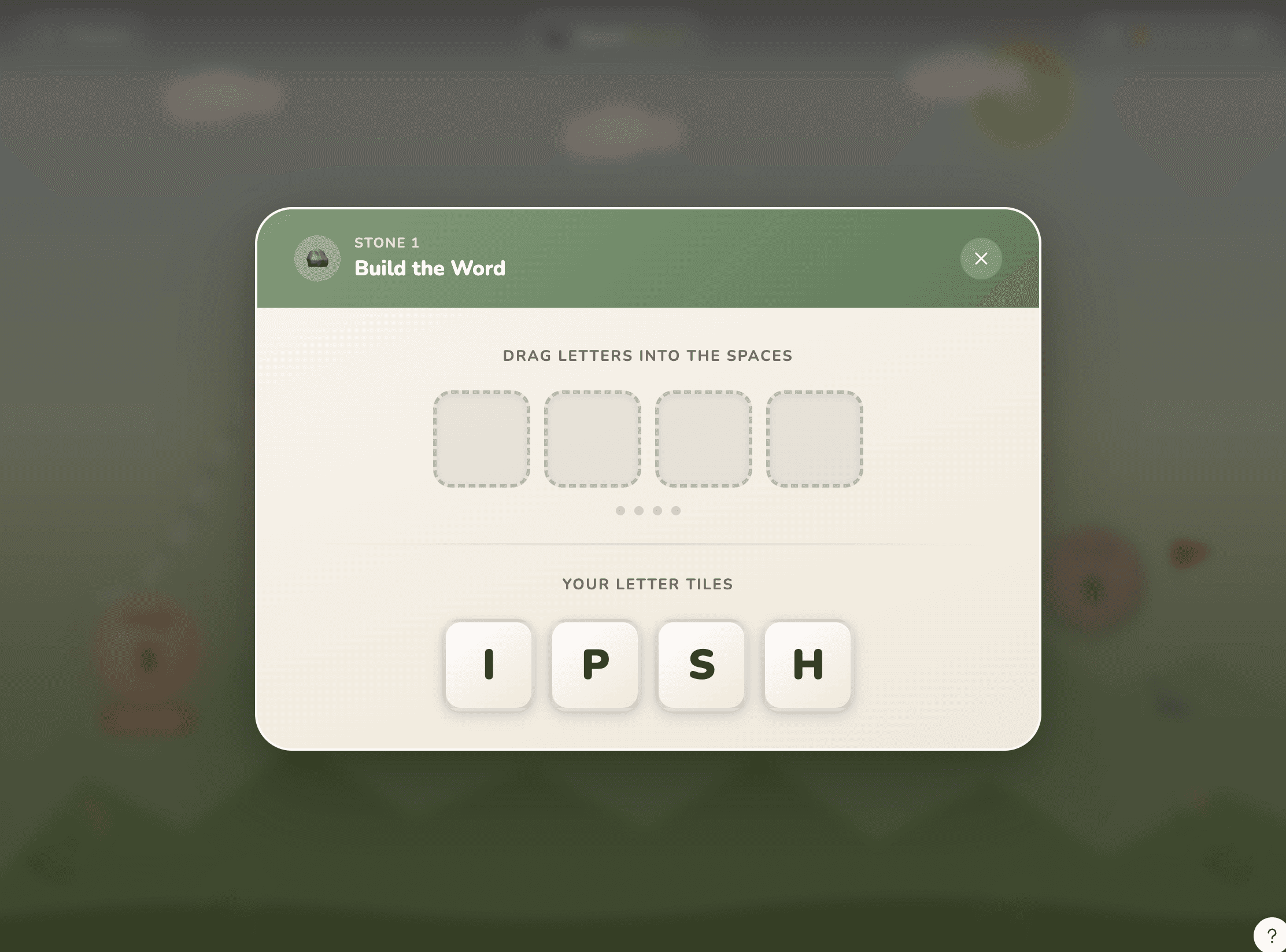
Early letter tiles and drop zones were too small and cramped for children to use comfortably on a touchscreen. Through several iterations I refined tile size, spacing, drop zones, and highlight states to make the mechanic immediately understandable, without needing instructions.
CHALLENGE 04
Motion and Feedback
To make the experience feel alive, I added small animations: feedback when letters are dragged, when tiles snap into place, and when progress advances along the adventure map. I used AI to explore timing possibilities, then refined behavior manually so everything felt purposeful, not decorative.
I used AI tools to generate starting points and explore possibilities, every decision about what stayed, what changed, and what felt right was mine.
Other projects
Typhlora™
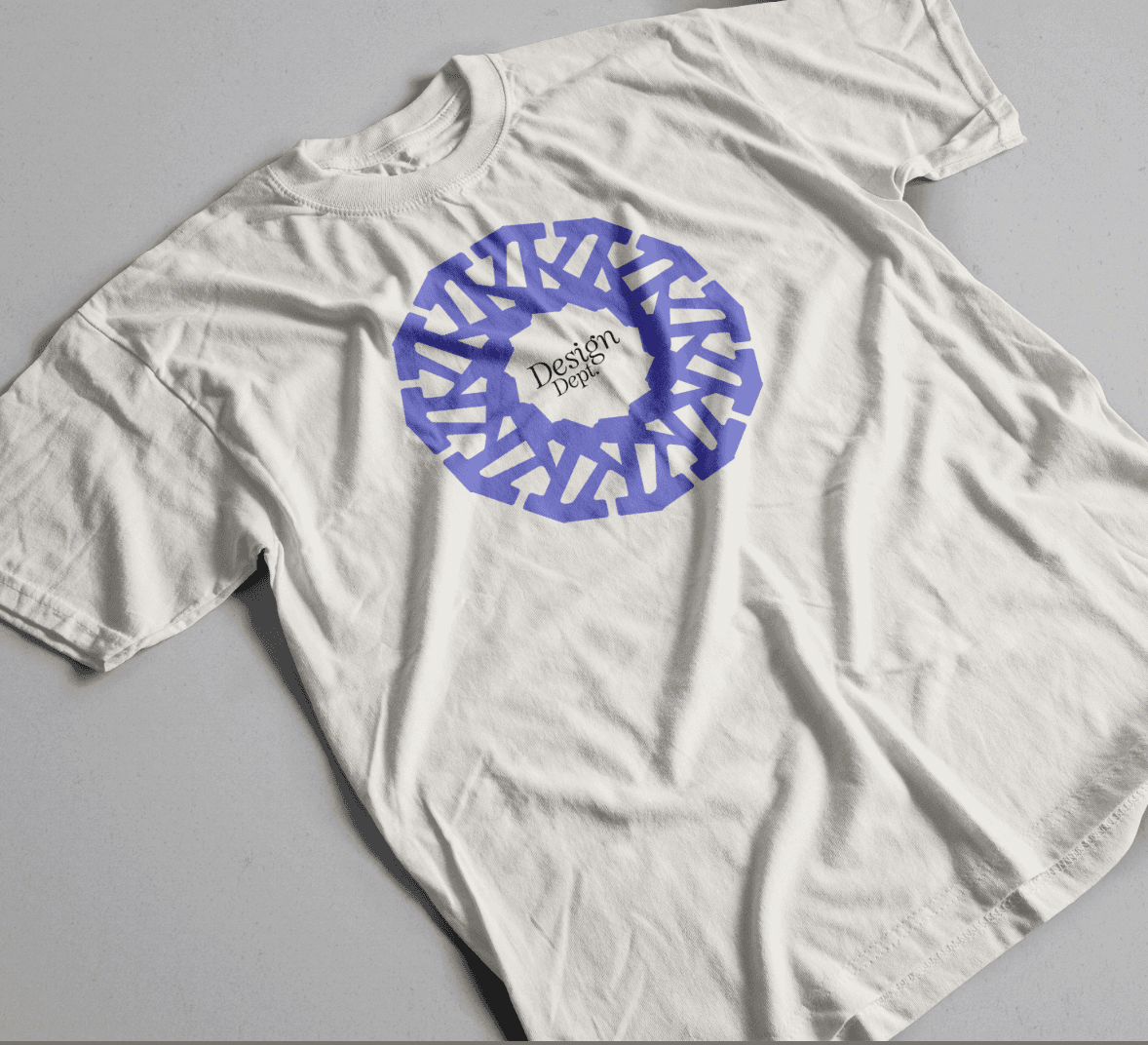
A typographic design system built from a single construction rule and a proof of concept for how I think about design.
Daycare App Design
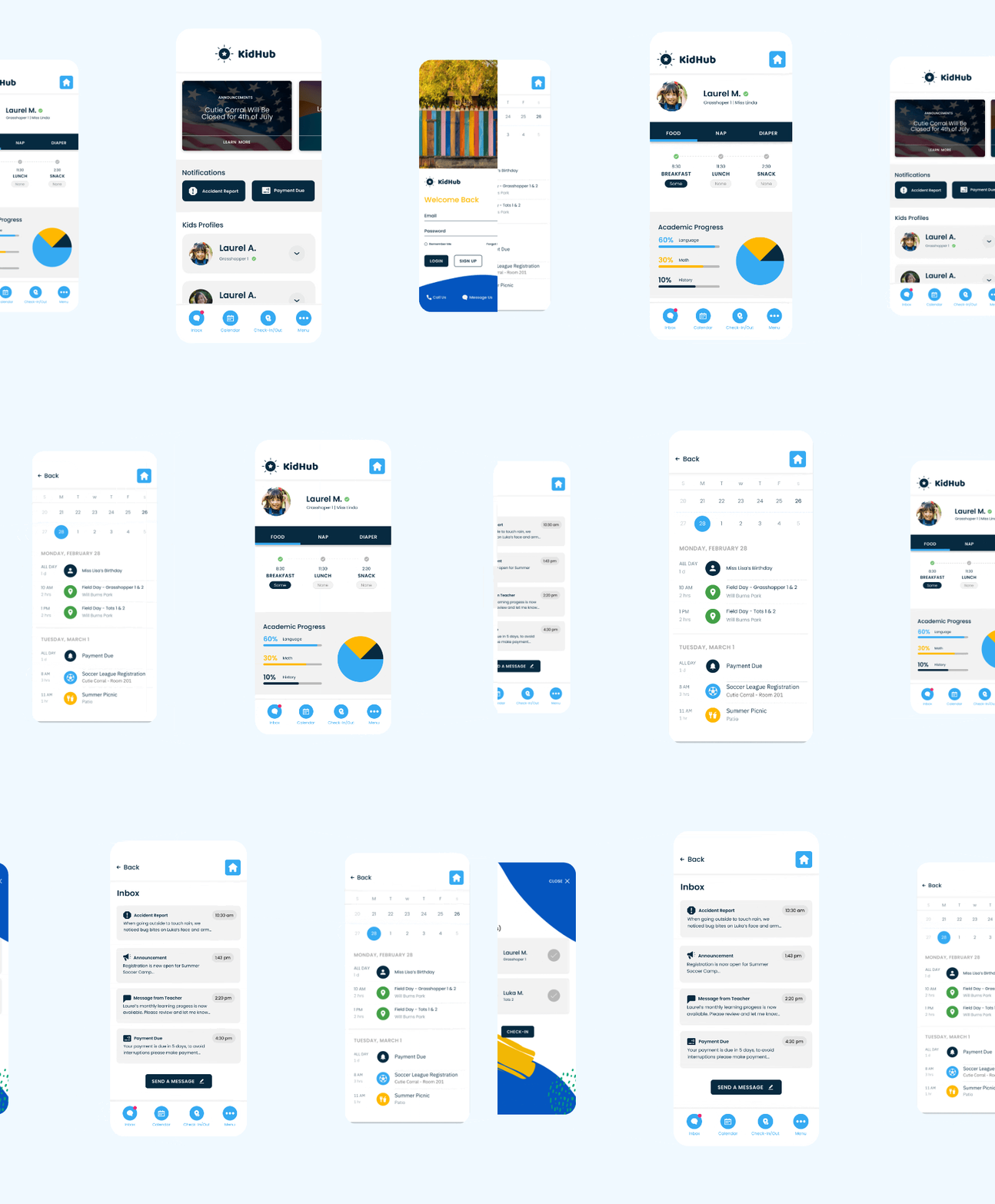
A mobile app concept to help parents and daycares stay informed, organized, and connected.
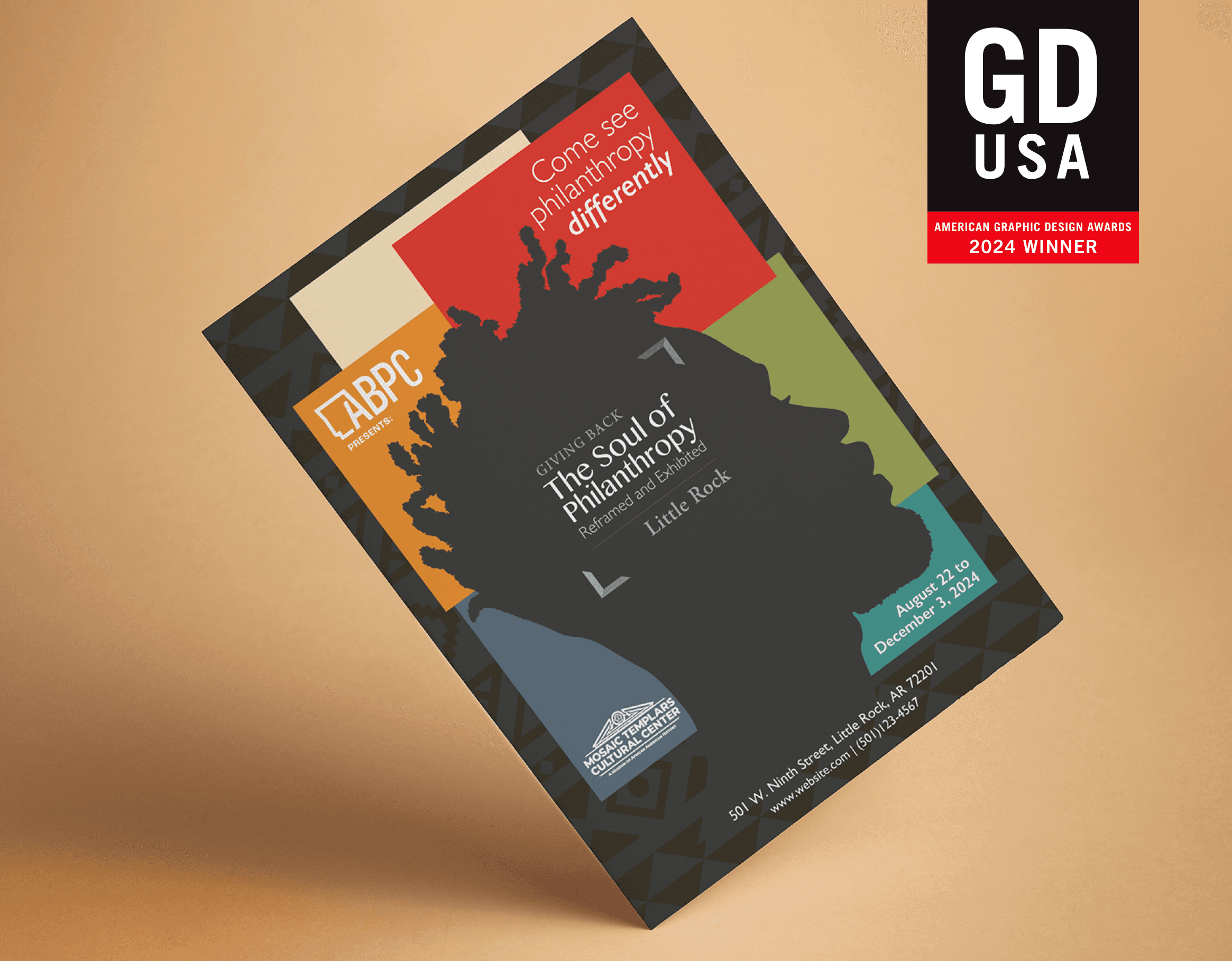
ABPC: Giving Back – The Soul of Philanthropy
Exhibit visual design and campaign collateral for a cultural philanthropy event. Full system spanning print, digital, and merchandise. GD USA American Graphic Design Award, 2024.
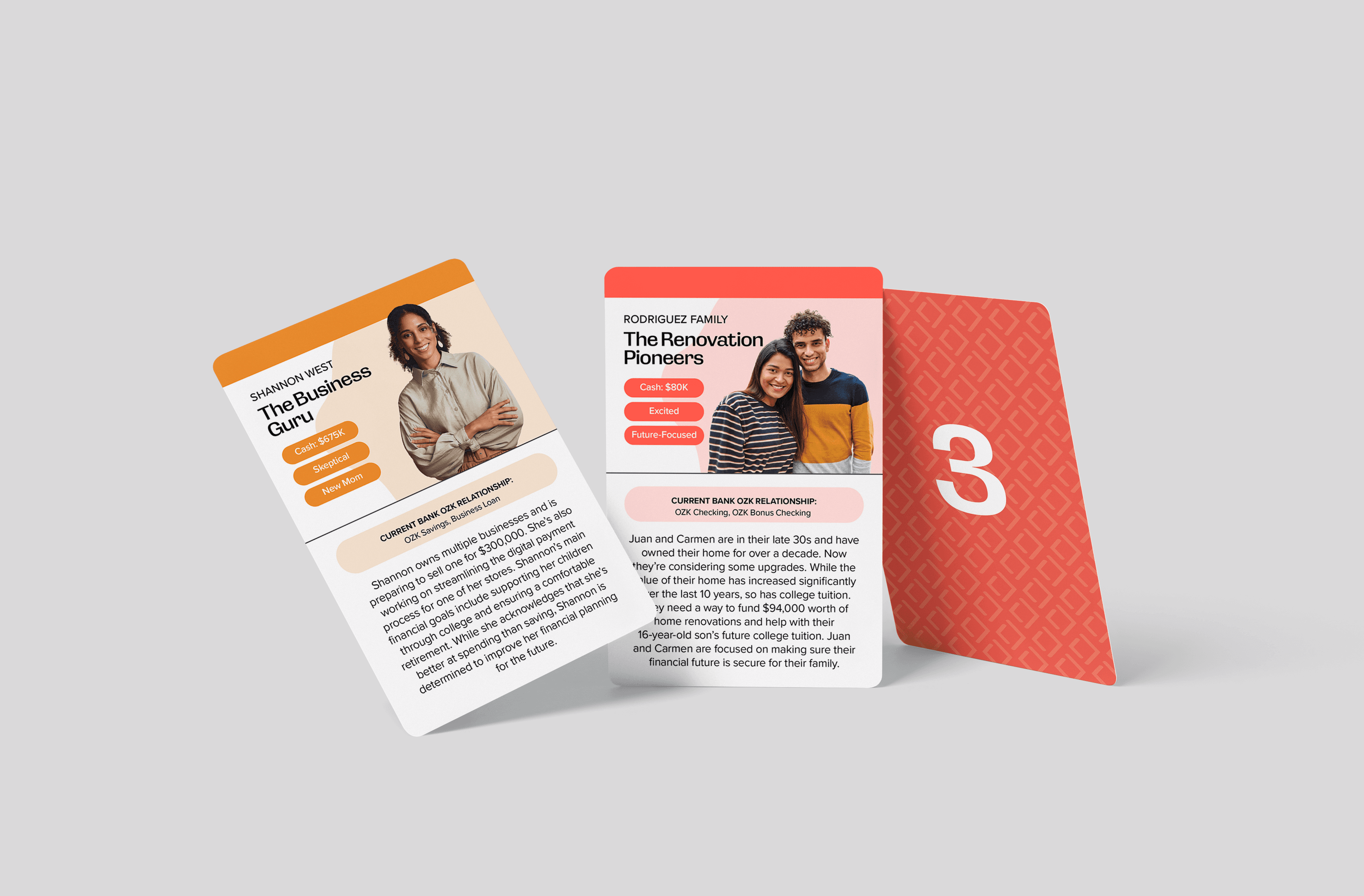
Bank OZK Referral Training Game
Visual design for a scenario-based print training tool. Card system, packaging, and collateral built for clarity and in-game decision making.
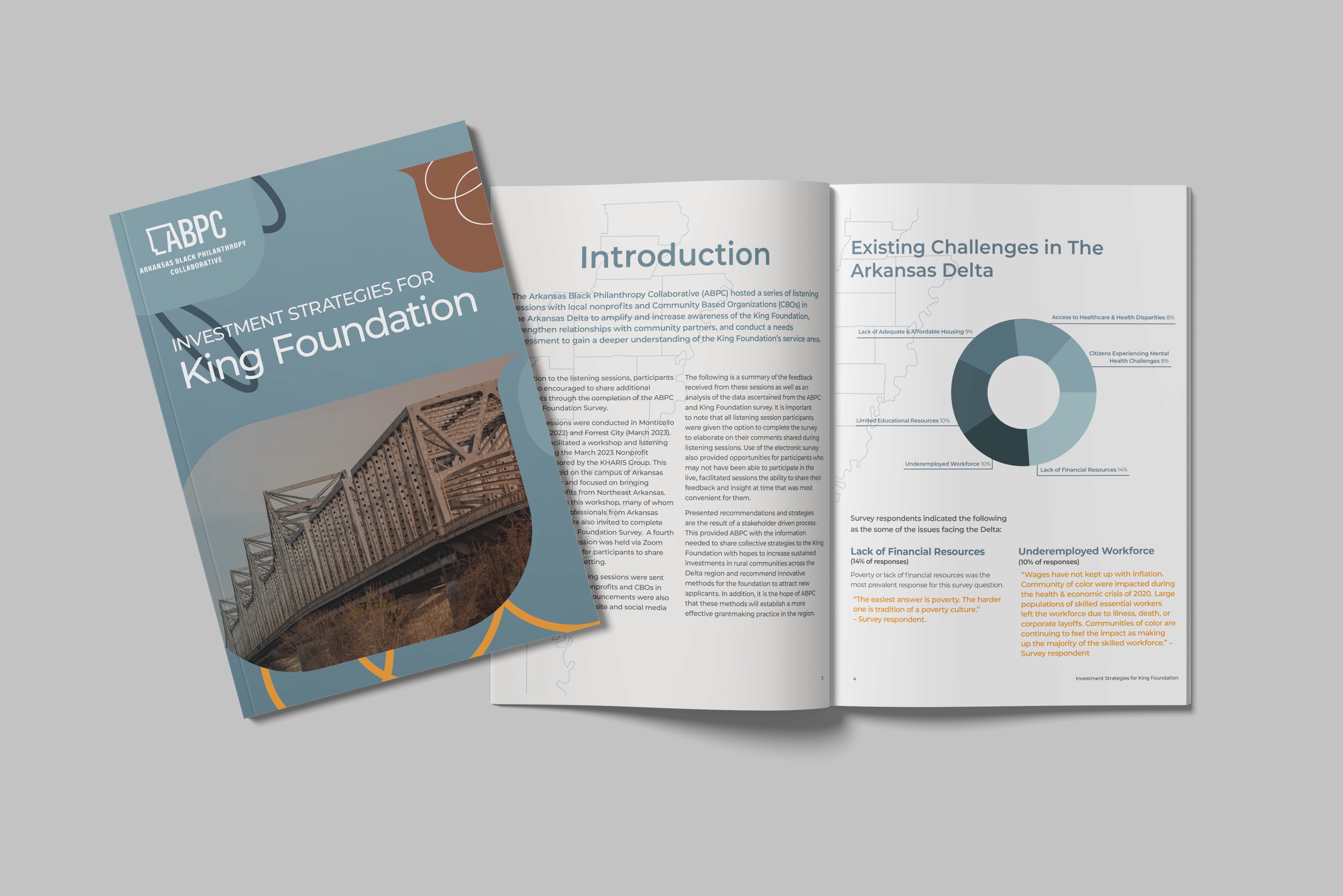
ABPC Listening Sessions Report Design
Strategic report design for ABPC listening sessions